
AI for the staff secretariat

AI for the cardiology staff secretariat

Not a lecture on “what is AI”, in five modules you'll actually work with ChatGPT, Claude and Gemini. Concrete assignments from your day at the cardiology department: planning, mail, minutes, Office/Workspace files and privacy. You'll learn which tool is strongest per task and how to write a prompt so you don't have to rewrite the output.

  • 5 modules · ~4–5 hours · from first introduction to your own prompt library
  • Hands-on: every lesson opens directly in ChatGPT or Claude (or Gemini), with ready-to-copy prompts
  • Higher level than a “how do I type in ChatGPT” course, focused on real work deliverables
  • Cardiology-specific: staff meeting, MDT minutes, annual reviews, onboarding, mail on behalf of department head, not generic office work
  • Safety first: GDPR traffic light, what you do and don't paste, and why EU vendors (Mistral) matter

Free Instant access, no account or payment needed. Works on pc, tablet and phone.

A cardiology staff secretary working with an AI assistant on a laptop

What you'll be able to do

You know which tool to pick when

ChatGPT for speed and breadth, Claude for text, long documents and M365, Gemini if you live in Google Workspace. A rule of thumb per task, not one tool dogmatically.

You write prompts that work

Role · context · task · tone · format. No secret tricks; just a fixed structure you can recite by heart that instantly improves every chat.

You use AI for real deliverables

Meeting agendas from mail threads, minutes from a rough transcript, an ESC guideline reduced to 1 A4 for your doctor, a meeting deck in PowerPoint, actual work output, not practice tasks.

You work directly in your files

Claude in Word, Excel and PowerPoint (M365 add-in). Gemini in Gmail, Docs and Sheets. When copy-paste is enough, and when it isn't.

You guard privacy and GDPR

Traffic light: green / amber / red. What do you ask IT or the privacy officer first? What do you do when a doctor drops a patient case into a prompt anyway?

You have your own prompt library

At the end you have 10–15 prompt templates that fit your work directly, saved where you can find them again (Claude Projects, OneNote, Notion or just a good Word document).

Content (five modules)

Each module: short explanation of the theme → multiple choice questions with feedback → live exercises you open directly in ChatGPT, Claude or Gemini. At the end a short reflection and concrete take-home.

Module 1: three chat tools

Module 1: Meeting ChatGPT, Claude and Gemini

Open all three side by side. Ask the same question, feel the difference. Which suits which kind of work? First gut rules and the traffic light for data.
Module 2: mail and short texts

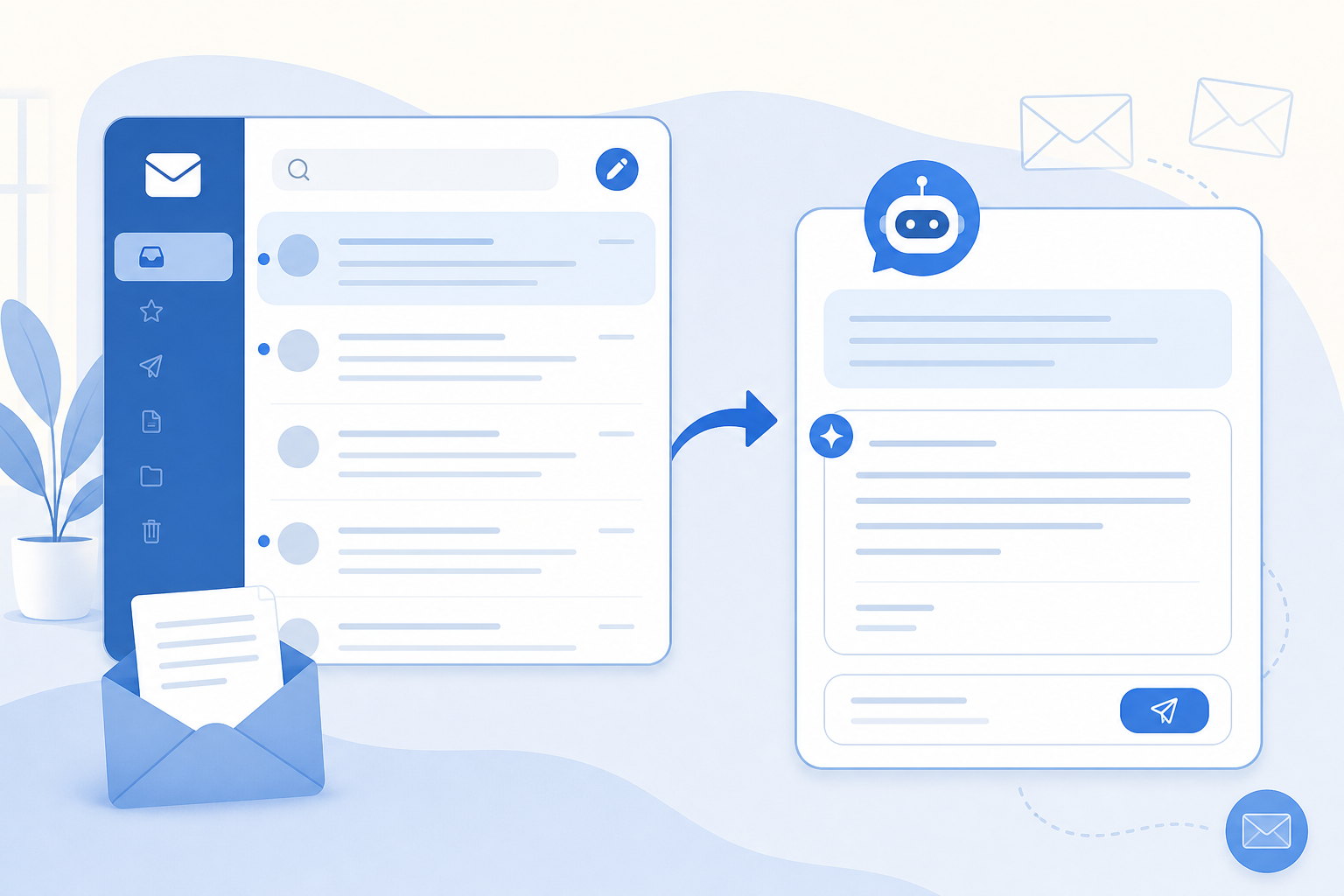
Module 2: Mail, Teams and short messages (hands-on)

Quick emails (MDT/staff meeting), polite refusals, onboarding email to a new staff member in plain language, first response to a difficult email to the department head, shifting tone. Compare ChatGPT and Claude on the exact same task. First prompt rules of thumb.
Module 3: long documents

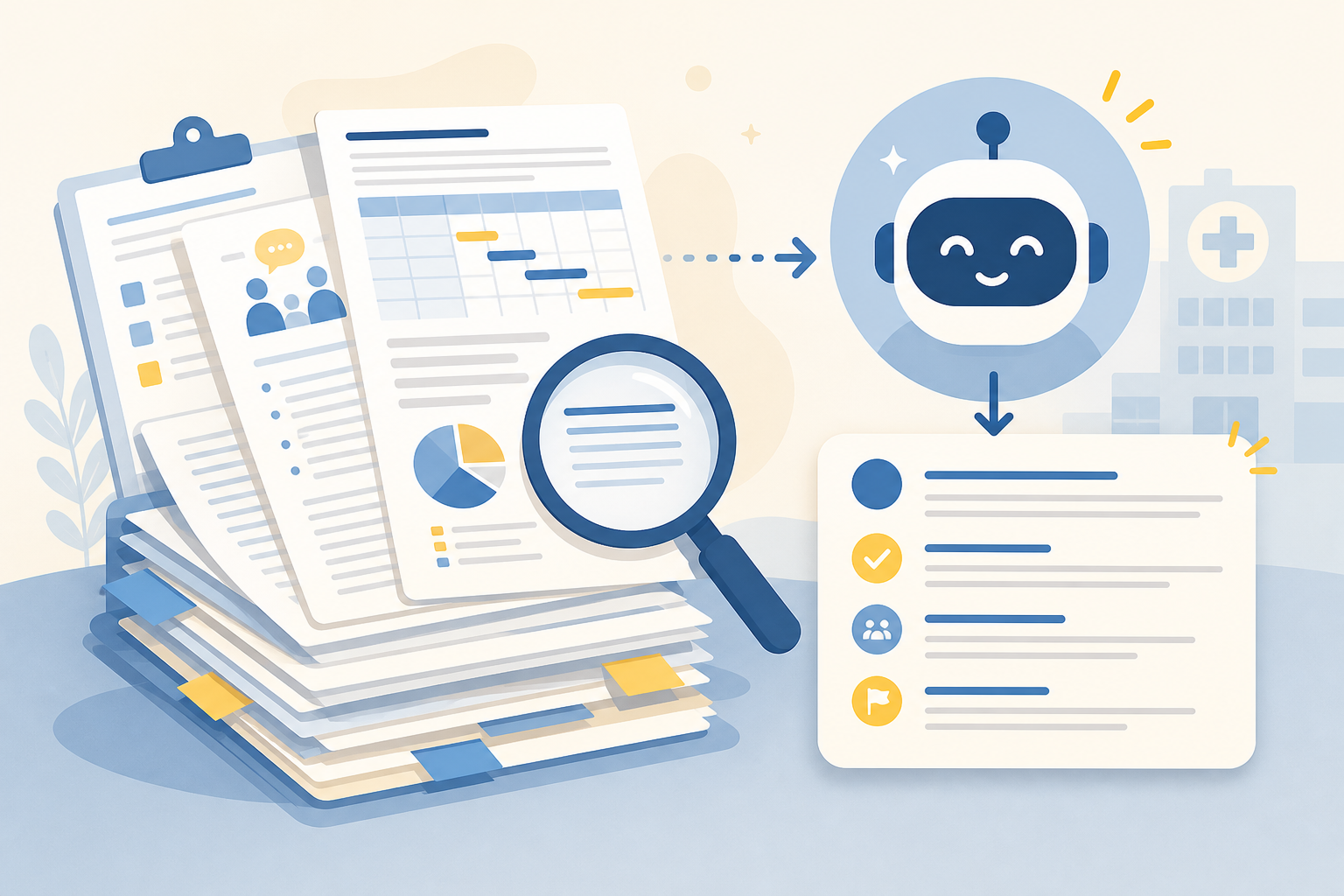
Module 3: Minutes, agendas and long documents

Claude's long context (1M tokens) is the quiet superpower here. Minutes from a rough Teams transcript, a meeting agenda from a mail thread, a guideline summarised to one A4. Plus Claude Projects as your own knowledge base.

Module 4: working in files

Module 4: Working IN your files (Office & Workspace)

Claude directly in Word/Excel/PowerPoint (M365 add-in). Gemini in Gmail/Docs/Sheets. Claude even builds a complete presentation or a handy HTML tool for you. When that's a win, and when copy-paste is simply better.
Module 5: safety and your own prompt library

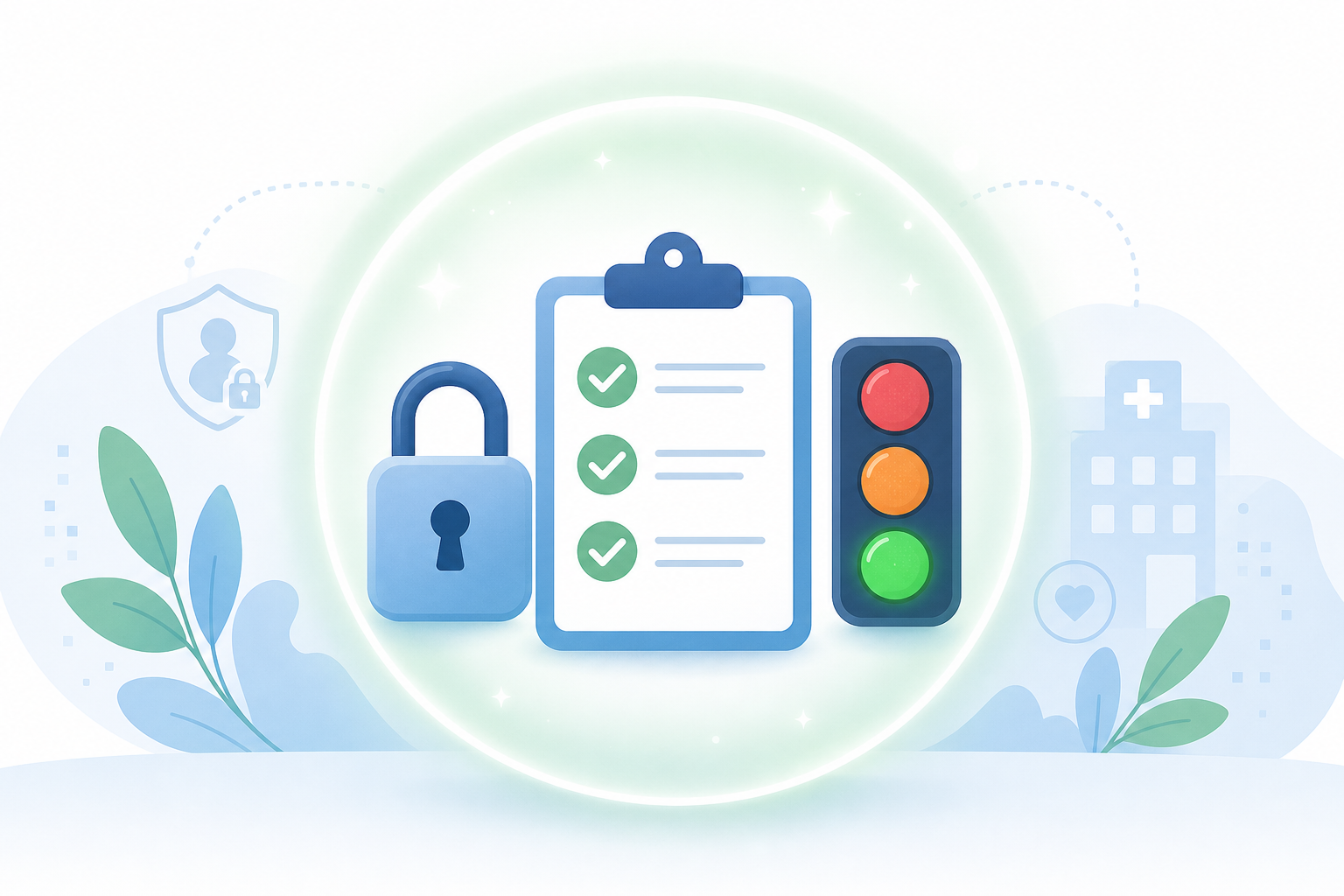
Module 5: Safety, GDPR and your own prompt library

What do you really never paste into a public chat? Mistral (France/EU) as an alternative. At the end: your own prompt library of 10–15 templates.

What colleagues say

Reviews from secretariat staff who took the course. New reviews are added here regularly.

Finally not a course of “this is AI, wow!” but real assignments that already cut my Friday MDT minutes time in half.

Secretarial support, cardiology

The ChatGPT vs Claude side-by-side on the same email made it really concrete. Claude is my new go-to for difficult mail on behalf of the department head.

Staff secretary

Clear on what is and isn't allowed in a public chat. And the Mistral route was new to me, taken back to our IT team.

Team coordinator staff secretariat

Frequently asked questions

Who is this course for, exactly?

For staff secretaries, medical secretarial support and team coordinators within a cardiology department (or comparable specialism). You don't need technical background, just the willingness to actually practise next to your work in ChatGPT and Claude.

Do I need a paid ChatGPT or Claude subscription?

No. The exercises work with free ChatGPT and free Claude. For heavy tasks (long transcripts, full guidelines) a paid subscription (ChatGPT Plus, Claude Pro) is handy but not required.

May I put patient data into a prompt?

Module 5 dives deep on this. Short rule up front: never identifiable patient data in a public chat. Anonymised or fictional case material is fine. For real data: only in a hospital-approved environment.

Does this belong at the staff secretariat or with the doctors?

At the secretariat. It is deliberately aimed at planning, communication, minutes, agenda and internal coordination, not at clinical decision-making. For clinical AI questions, doctors can use our course for cardiologists.

Which devices does the course work on?

Pc, laptop, tablet or phone. It's helpful to practise at least once per module on a pc, some live exercises are calmer on a big screen.

What if I get stuck?

Every lesson has a “live exercise” block with the exact prompt, plus buttons to open ChatGPT or Claude directly. Have content feedback? Feel free to mail us via the contact page.